
Joins kills into one clip
F9 saves 8 seconds before the kill and 2 after. Another kill within 6 seconds grows it to x2.
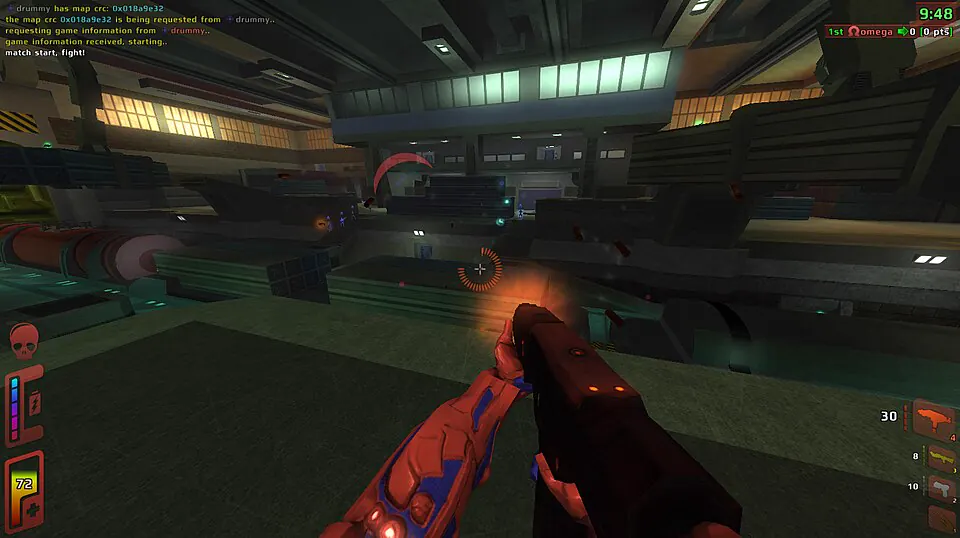
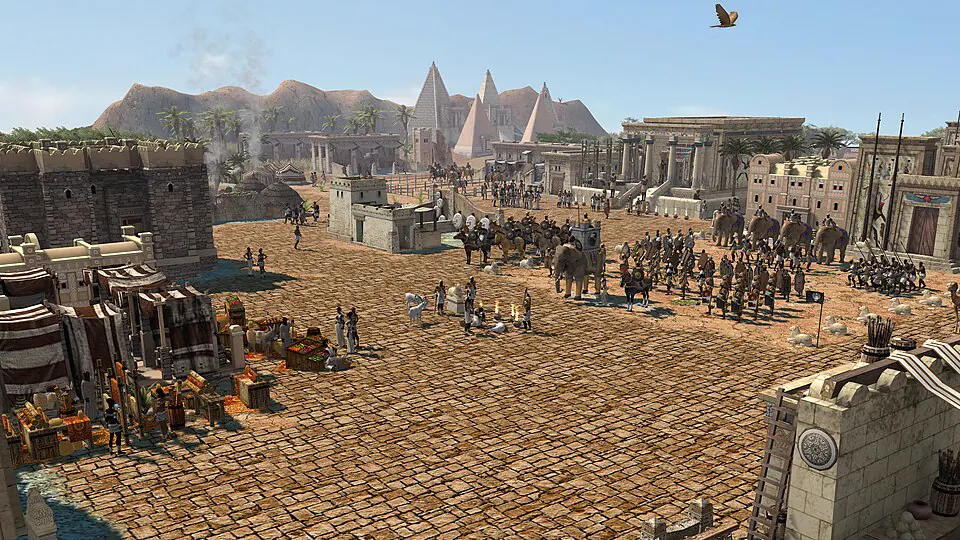
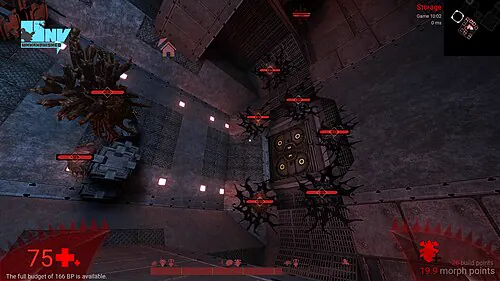
- Kill clip saved, x3Red Eclipse, 14 seconds
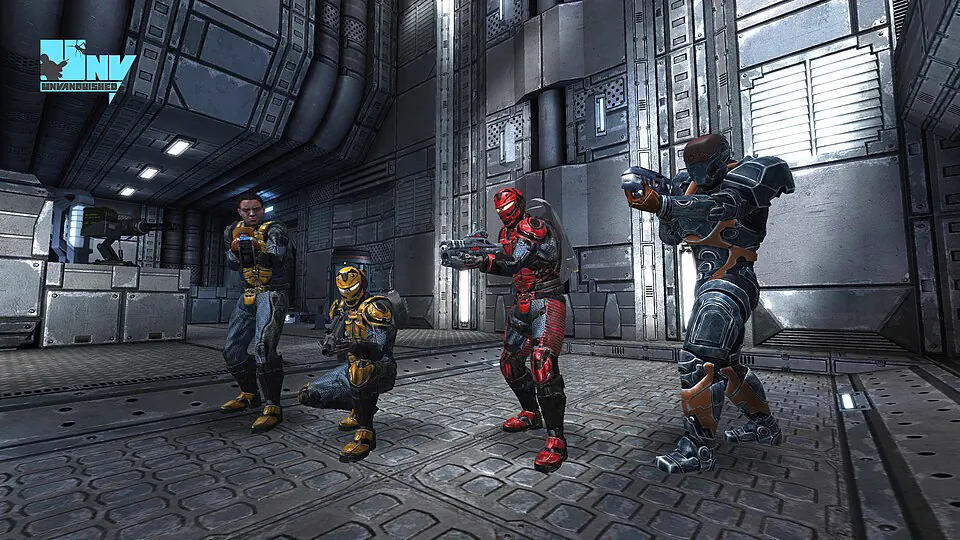
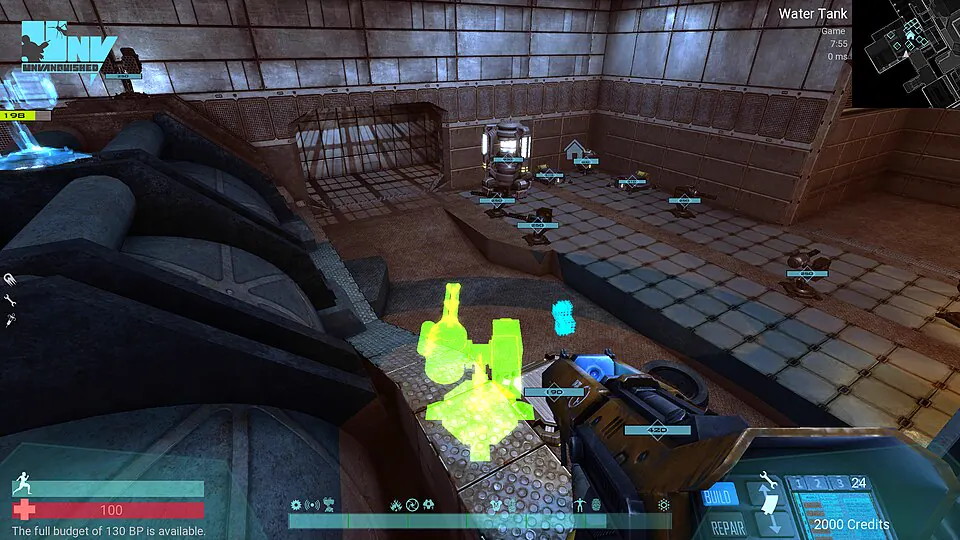
- Kill clip saved, x2Unvanquished, 12 seconds
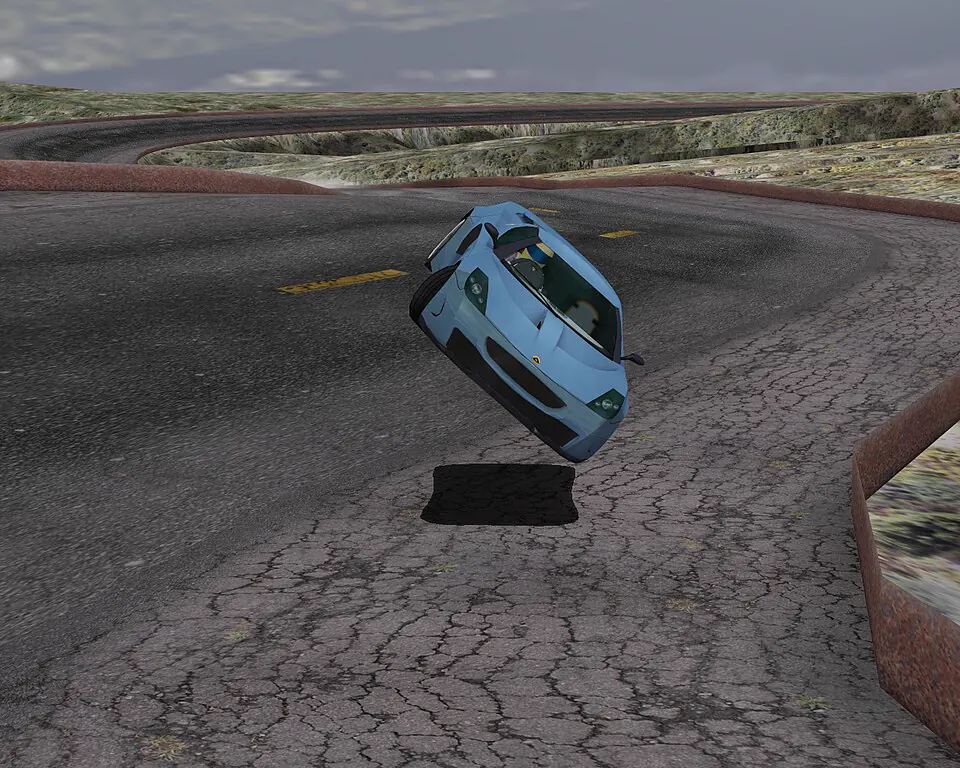
- Clip savedSpeed Dreams, 60 seconds
Glint keeps the last 60 seconds of your game in memory. Press F8 to save the play, then send a link that plays inside Discord.
 1:00
Clips are named after their game and sorted by day. Trim with two handles, star the keepers and publish several at once; uploads wait while a game is open.
Read the changelog Glint / Library
 0:17 / 0:42
Anti-cheat
Glint never touches the game process. It records the window through Windows Graphics Capture, the same API the Xbox Game Bar uses, with no injection, no memory reading and no overlay. It was tested with Vanguard running.
F9 saves 8 seconds before the kill and 2 after. Another kill within 6 seconds grows it to x2.
AMD AMF, NVIDIA NVENC or Intel Quick Sync records HEVC at 1080p60, and the recorder uses about 1% of the CPU.
 NVIDIA NVENCHEVC, 1080p60In use
 AMD AMFHEVC, 1080p60Supported
 Intel Quick SyncHEVC, 1080p60Supported
Turn each track on or off in the player, and again when you share, without recording twice.
Set a limit and Glint deletes the oldest clips first. Favourites and published clips are never removed.
Publish exports only the trimmed part as H.264 and uploads it in parts, picking up where it stopped if the connection drops. Paste the link and the clip plays in the chat.
Glint
City push at dawn
 Plays in the chat, no download
It installs for your user, no admin. Windows may warn that it is unsigned: More info, then Run anyway.
Glint spots a full-screen game using the GPU and records until it closes.
The last 60 seconds land in Videos\Glint about 150 milliseconds later.
 1:00
Each player or group deploys a small Worker with D1 and R2, then pastes its address into Settings, Server. Sign-in is Discord only; the first person in becomes admin.
Without a server Glint still records, trims and exports MP4, with no account at all.
Deploy your own serverSafe in VALORANT too. Glint never touches the game; it records the window the way Xbox Game Bar does. It was tested with Vanguard on, though no anti-cheat vendor has endorsed it.
About 1% on average in a synthetic test. The encoder runs on a separate part of the GPU.
It is not code-signed yet. Click More info, then Run anyway; releases are built by CI from tagged commits.
Not supported today. Glint runs on Windows 10 and 11 only.
Free. The code is open source under MIT or Apache-2.0.